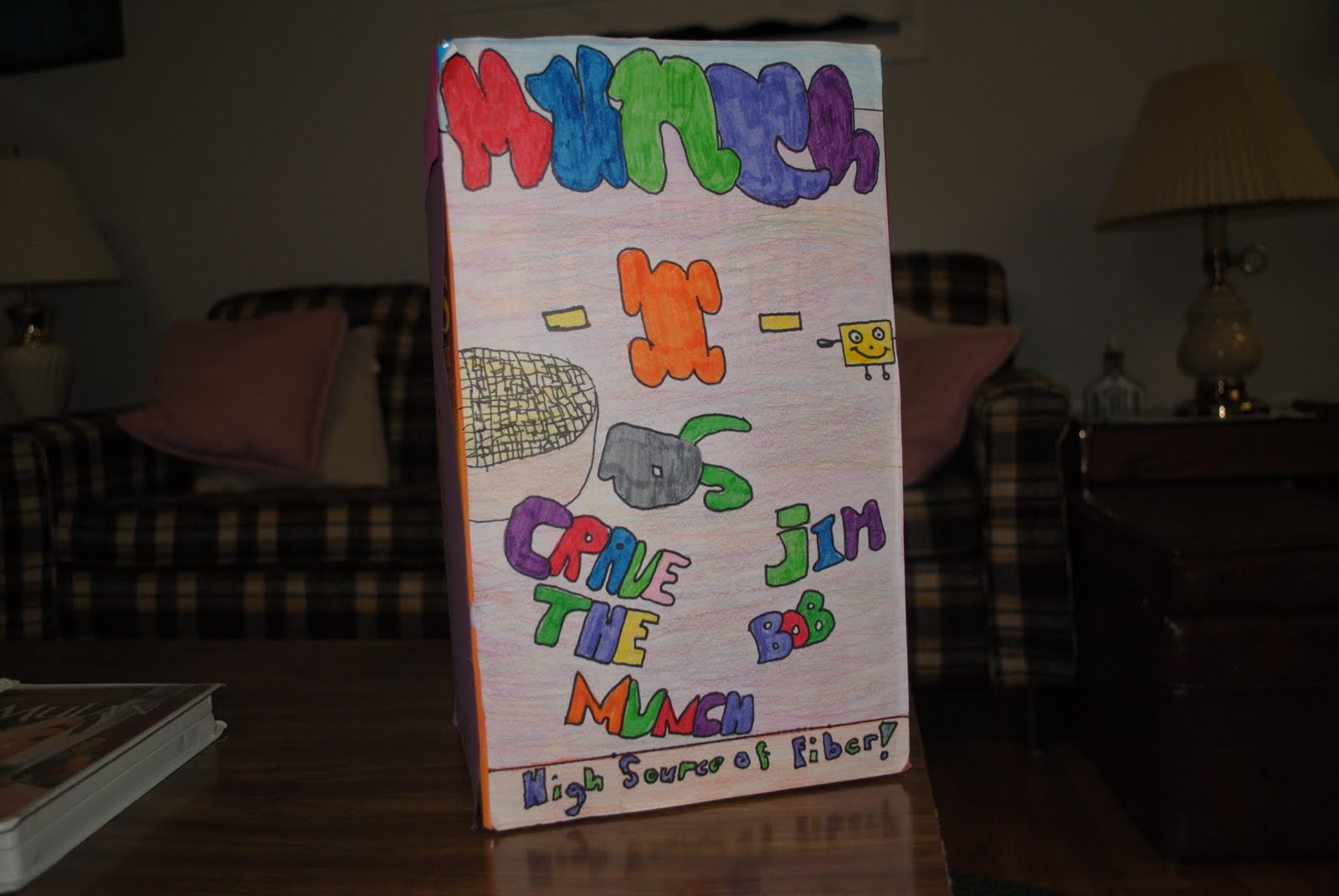
When you finish Part A of your Cereal Box Challenge, your team is to take a picture to post to the class blog.
Picture 1 = front of your box To post a picture, follow these steps:
take the picture with a digital camera
upload the picture to your computer
go to class blog
click on "New Post"
make the Title of your post: (Name of your Cereal) Part A
click on the picture icon (beside the word link)
in the pop up window, download the picture from your computer
once the picture has appeared, you should be able to move it to different places within your post. You should also be able to click the size of picture from a pop up box. Please choose medium.
below your picture type in your two names (first names only!)
Label your post: math challenge, cereal box, part a